 patrickz
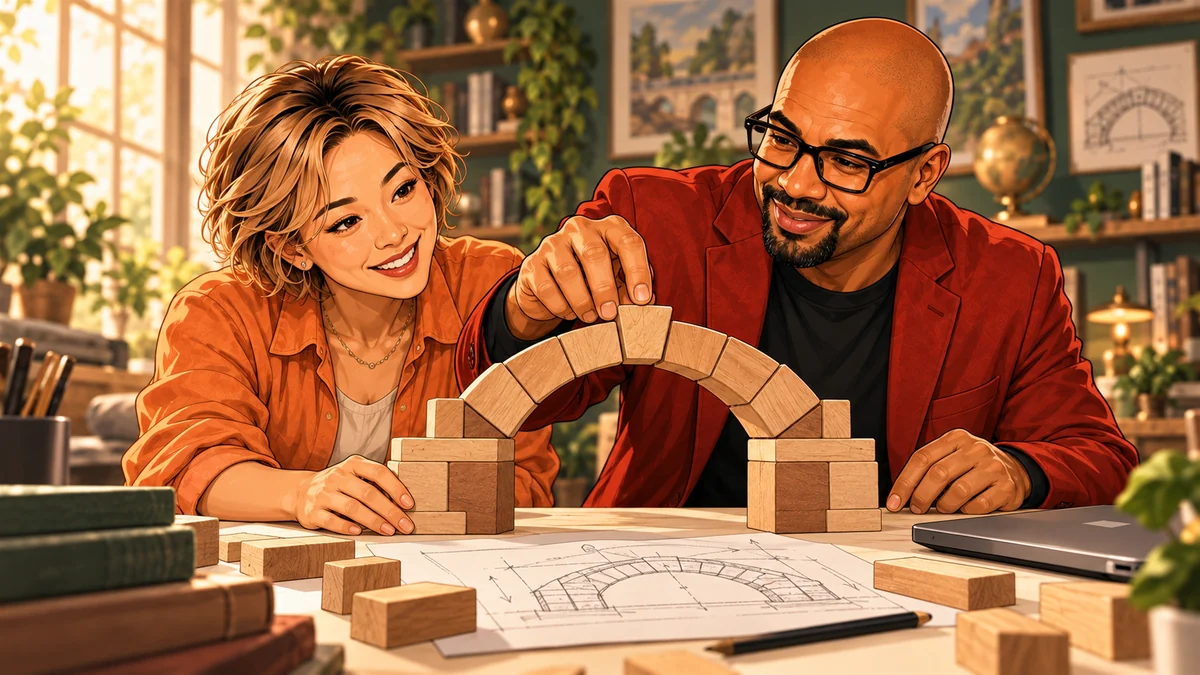
My images got better for a boring reason
A while back I set up image generation to run straight from my code editor through APIs (an API is a way for code to talk to a service directly). Suddenly I could make images as fast as I could think of them. Experimenting got cheap, and I assumed quality would climb with volume.
It didn't. Pressing generate more often mostly gave me more images I wasn't sure about. The real jump had a boring explanation: I started learning the old fundamentals. Composition. Light. Good reference images. One setting at a time. Comparing side by side. Writing down what changed.
The lesson came back when I started running image models on my own computer with ComfyUI and trying LoRAs (small add-on files that teach a model a style or subject) and models like FLUX. Once each image costs almost nothing, you can make thousands. That doesn't mean any of them belong in your project. Without my own written standard for what good meant, the model wasn't learning my taste. It was training me to accept whatever it happened to make.
AI speeds up the making, not the choosing
AI compresses execution, not judgment. Execution is producing the thing. Judgment is knowing whether the thing is any good, and why.
A model can produce fifty options before lunch. It can't tell you which one serves your purpose, why the lighting feels flat, or which setting you changed that made everything worse. If your judgment is fuzzy, fifty options just give you fifty chances to pick something mediocre with confidence.
Picture someone who asks a chat assistant for ten birthday invitation drafts. All ten sound friendly. They send the cutest one. Then the texts start: What time does it end? Is there parking? The AI did its job fast. The person just didn't yet know what makes an invitation work: date, time and place up front, what to bring, how to reply. Once they know that, they can spot the weak drafts in seconds. The tool didn't change. The person did.
More attempts only help if you're paying attention
At thirty-nine I joined a gymnastics class and tried a handspring in a room full of professional stunt performers. On my first attempt, I discovered the floor has an aggressive onboarding process. If it had been an online order, my review would have read: “Ate the floor. Did not enjoy.”
By roughly the fifth attempt, I began to land it. But the attempts alone didn't do that. What worked was falling, adjusting, listening, and trying again with something different. Five identical falls would have taught me nothing except where the floor was.
AI works the same way. Generating again and again without a clear standard is five identical falls, and it slowly trains your taste instead of the other way around. Getting better with AI mostly means getting better yourself.
Deliberate practice: a small loop that trains your eye
Deliberate practice means practicing on purpose: a narrow target, clear feedback, one adjustment at a time. Here's the loop I use:
- Pick one narrow skill. Not “get good at AI images.” Something like “keep one character looking the same across images” or “light a product so it looks appealing.”
- Set a reference and a short yes/no checklist. The reference is an example of what good looks like. The checklist is three or four yes/no checks you decide before you generate anything.
- Change one variable at a time. A variable is anything you can adjust: one phrase, the length, the audience, a setting. Change two at once and you can't tell which helped.
- Keep records. For each attempt, save what you asked, the result, its score, and one sentence about what you noticed. A spreadsheet is plenty.
- Compare your first five attempts with the next five. Turn the best pattern into a reusable template.
Take someone who sells handmade candles online and uses AI for product descriptions. Their reference: a description they admire. Their checks: Does the first sentence say what it is? Does it cover size, scent and burn time? Does it sound like a person, not a brochure? Each attempt changes one thing and gets a score and a note. After ten rows, they don't just have better descriptions. They know why they're better.
Learn the fundamental when a failure points to it
Fundamentals are the basic principles of a craft: composition and lighting in images, clear structure in writing, the must-have details in an invitation. They give you the words to direct the AI (“light from the side, not the front”) and to diagnose what went wrong (“the main point is buried in paragraph three”).
But don't study every principle before you make anything. The beginner rule: build something small, notice where it fails, learn the one fundamental that explains that failure, then run the test again. If every image looks flat, go learn about lighting. If every description rambles, learn to lead with the point.
You can also have an AI review the output against your checklist; that's its own technique, covered in Metaprompting: AI writes the prompt, then checks the work. But the AI can only check for what you know to ask for. Writing the checklist is the judgment, and that part is yours.
Try it
Try it in 15 minutes
You need any chat assistant, a notes app or spreadsheet, and an invented product.
- Pick one narrow task
Choose something small you can judge at a glance, like a 60-word product description for an invented hand-thrown blue coffee mug.
- Write your checklist first
Before generating, write three yes/no checks for good. For the mug: the first sentence says what it is; it mentions size and how to care for it; it sounds like a person. Start a note with four columns:
Attempt | What I changed | Checks passed (0–3) | What I noticed. - Run attempt one and score it
Paste the prompt exactly. Score the result against your checks and fill in row one.
Write a 60-word product description for a hand-thrown blue coffee mug.
- Change one thing, twice
Add one sentence, such as the one below. Run it in a new chat, score it and fill in row two. Then try a different single change and fill in row three.
The buyer is choosing a gift for a friend who drinks coffee every morning.
- Learn the fundamental behind the failing check
Find the check that failed most often. Paste the One fundamental, fast prompt from Prompts to try with that check filled in, then use the change it suggests in one last attempt.
- Write down one rule to keep
Compare your first and last attempts. Write one sentence you'll reuse next time, like “Say what it is in the first sentence.”
You’ll know it worked when
You can say exactly why your last attempt beats your first, in words more specific than “it just feels better.” That sentence is your judgment getting sharper.
When you’re ready
Going further
For more hands-on practice, try the five-attempts practice guide, and when a project flops, the failed-prototype guide.
If you work with images, eventually move your experiments out of the chat window. Running generations through an API, with settings saved in a small script or file, makes each test repeatable: rerun the exact setup, change one value, and stop relying on browser history. Comparing different AI tools against each other is a separate skill, covered in Stop Asking Which AI Is Best.
Avoid these
Common mistakes
- Generating more instead of looking harder
If attempt twelve isn't better than attempt two, attempt thirteen won't be either. Name what's wrong first.
- Judging by vague preference
“I like this one” isn't feedback. Score each attempt against checks you wrote down before you looked.
- Changing five things at once
Rewrite the whole prompt and you'll never know which change helped. One variable per attempt.
- Studying everything before making anything
You don't need a color theory course to start. Let a real failure pick your next fundamental.
Copy, adapt, run
Prompts to try
Paste one into any chat assistant and replace anything in [brackets].
Experiment designer
I am practicing [narrow skill, e.g. writing product descriptions that answer a buyer's questions]. Design a ten-attempt experiment that changes only one variable at a time. Define the fixed starting point, the variable, the values to try, a checklist of three or four yes/no checks, how to record each attempt, and the conclusion I should be able to draw.
Critique tutor
Here is my reference example: [paste or describe it]. Here are my attempts: [paste them]. Compare each attempt with the reference. Do not rank them by vague preference. Explain the specific differences in [qualities that matter, e.g. composition, lighting, clarity, fit with my goal]. Then name one fundamental concept I should study before my next attempt, explained in plain language.
One fundamental, fast
My attempts keep failing this check: [the check]. Teach me the one basic principle behind it in five sentences, with one bad example and one good example. Then give me a single change to try in my next attempt.
The tool kit
Tools and links
- Any chat assistant and a notes app or spreadsheetAll the 15-minute loop needs.
- Improve a prompt in five attemptsMore hands-on practice with the same one-change-at-a-time method.
- ReplicateLater: run AI models through an API so experiments are repeatable.
- Hugging FaceLater: browse models, datasets and learning resources.
- PythonLater: for a small script that reruns the same test.
The short version
What to remember
- AI speeds up the making. Choosing what's good is still your job.
- More attempts don't sharpen your eye; attention between attempts does.
- Change one thing at a time, and write down what happened.
- Learn a fundamental at the moment a real failure makes it useful.