 patrickz

Twenty dollars and a thick skin for error messages
How much “vibe-coding damage” does it take to build something useful at home? (Vibe coding means describing what you want in plain language and letting AI write the code.) My answer: about twenty dollars for one AI coding subscription (free tiers covered the rest), plus a willingness to read error messages without taking them personally.
My first experiments made the future feel uncomfortably close. They also looked like the future had arrived without a design department.
The bigger lesson took longer. The AI subscription is not a magic build button. You can’t type “build Uber” and leave for lunch. A coding agent (an AI that can read, write and run code in your project) is a teammate, and like any teammate it does much better when the job has boundaries.
So my unit of work became the slice: one small piece that works from the screen to the saved data, with a written description of what “working” means and proof that it does. What twenty dollars can’t buy is the decision about what “done” means. That part is still mine.
Write down “done” before the agent writes code
Imagine hiring a contractor and saying “make the kitchen nicer.” You’d get something, but neither of you could say when the job was finished. Asking an agent to “build a productivity platform” works the same way.
Every build request I send now has four parts:
- Requirements: what this piece must do, in plain words.
- Acceptance checks: what you’ll be able to see or do when it works. “I add a goal, refresh the page, and it’s still there” is a check. “Goals work well” is not.
- Tests: the steps you or the agent will run to try it, including the awkward ones.
- Proof: the evidence you’ll accept, such as a screenshot, a live web address, or the saved record in the database.
Be boringly specific. Instead of “build a productivity app,” try: “Build a mobile-friendly tracker where I can add three weekly goals, record evidence, and see whether I completed them.” That sentence contains a complete loop: add, record, check.
Here’s what one slice of that tracker could look like, with all four parts filled in:
- Requirements: I can add up to three goals for this week and mark each one done with a one-line note of evidence.
- Acceptance checks: I add a goal and a note, refresh the page, and both are still there; a fourth goal gets a clear “three is the limit” message; with no goals the page says “Add your first goal”; double-tapping Save doesn’t create a duplicate.
- Tests: add three goals, try a fourth, mark one done, refresh, clear everything to see the empty state, then repeat on a phone.
- Proof: a screenshot taken after the refresh, plus the live link.
Writing “done” down also stops the agent from polishing the wrong thing. When the checks pass and the proof is in hand, the slice is finished. An agent saying “done” is not a test result. Proof is. (If you’re not sure the thing is worth building at all, ask why before building.)
Build thin slices and test each one like a real user
A slice is a thin piece of the app that works end to end, from the screen to the saved data. Picture a layer cake cut straight down: one narrow wedge with every layer, not the whole bottom layer first.
The order I build in:
- A plain screen, on your computer. The smallest screen that does the task. Open it. Use it.
- It survives a refresh. A pretty screen that forgets everything is a brochure.
- Backed up and online. Connect GitHub and Vercel now, so this slice and every later one has a saved history and a web address. Test the live version, not just the one on your computer.
- A real database. Add one when several devices or people need the same records.
- Sign-in and access rules. Each person sees only their own data. “The URL is hard to guess” is not access control.
- On your phone. Away from your desk, you’ll find which buttons were designed for a mouse and a fictional person with tiny fingers.
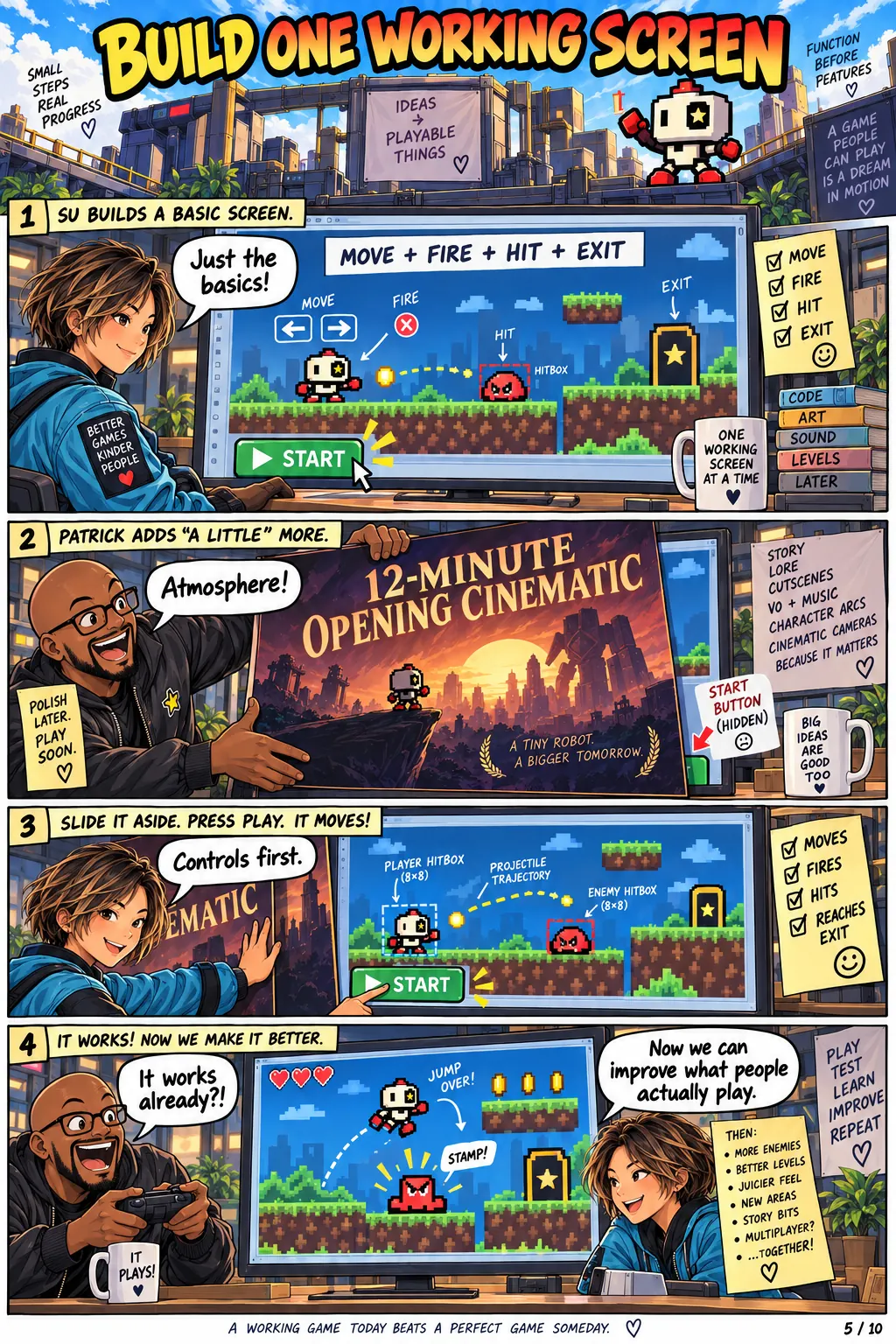
After each slice, stop and poke at it the way a real person would. Refresh the page. Open it on your phone. Look at it with no data (the “empty state”). Double-click the save button. Only when it holds up do you ask for the next slice. When something does break, that’s its own skill: debug with evidence, not guesses.
Connect the plumbing early: the $20 stack
My stack is a worked example, not the lesson. It has four parts:
- GitHub: stores your code and every past version of it, so you can undo a bad change. This is “version control.”
- Vercel: builds your app and gives it a public web address.
- Supabase: a database for shared data, plus sign-in, and it can send live updates to everyone’s screen.
- Codex: the AI coding agent. It reads the project, proposes a plan, changes code, runs checks and collects proof.
The twenty dollars is the AI coding subscription; GitHub, Vercel and Supabase have free tiers that can carry a small experiment. Connect GitHub and Vercel as soon as your first screen survives a refresh, before the app gets complicated. Then every slice after that is saved and online as you go.
Two cautions. Prices and free tiers change, so check current limits and set spending alerts before you promise anyone a free service. And protect your secrets: server keys (the passwords your app uses to talk to services) must never end up in the code that runs in the browser. In Supabase, turn on row-level security, a database rule that lets each person read only their own rows.
Ship the embarrassing version
Your first vibe-coded app is supposed to be a little embarrassing. Mine were. Pick something you can finish in under an hour, take it through setup, failure, repair and deployment, and put it online. One tool carried through a complete project teaches more than trying every new release. The first app should be a little embarrassing; the second should prove you learned why. For a small example built on this stack, try my Liar’s Poker app.
Try it
Try it in 15 minutes
Any chat assistant and a tiny app idea. No coding: you’re practicing defining “done.”
- Pick a tiny app idea
Invent something with one job, like a sign-up sheet for a neighborhood book swap.
- Write one thin slice
Describe the smallest piece that works end to end, for example: “A person adds their name and a book title, and the list shows it.”
- Add acceptance checks and proof
List three to five things you’ll see or do when it works: the entry survives a refresh, an empty list shows a friendly message, double-clicking Save doesn’t add it twice. Name the proof you’d accept, such as a screenshot.
- Ask the assistant to find what’s vague
Paste your slice into the chat, followed by the prompt below.
An AI coding agent will build this. Point out anything vague or missing, and any check I couldn’t verify. Don’t write code.
- Tighten it and compare
Rewrite the slice using its three best suggestions and compare the two versions. Optional, if you already use a coding agent: open an empty practice folder, use made-up names, paste your tightened slice into the Slice build prompt below, then run each acceptance check yourself. New to coding agents? Start with Get started with ChatGPT and Codex, then Build your first small app.
You’ll know it worked when
You have one slice written so clearly that a stranger could tell whether it’s finished, with checks you could verify in a couple of minutes. If you built it, every check passed on your own screen, not just in the agent’s summary.
When you’re ready
Give the agent a definition of done it can check
Once slices feel natural, write a standing checklist the agent must meet before it calls anything finished. Mine: the main workflow works, data persists, errors make sense, secrets are protected, each user sees only their own data, a new user can open it, and the data can be exported.
Keep that checklist and your best prompts saved with the code, not lost in old chats. At the end of a session, have the agent stop building and check the project against the list, so tomorrow’s agent inherits a project instead of a crime scene. Practice this in Give your coding agent a review checklist. For having AI critique and revise its own output, see Let AI Check Its Own Work.
Avoid these
Common mistakes
- Asking for the whole app
“Build a productivity platform” gives the agent nothing to aim at and you nothing to check.
- Believing “done”
The agent stopping is not the same as the feature working. Accept only the proof you asked for.
- Testing only on your computer
Check the live site, on your phone, with no data and a double-click. That’s where the surprises live.
- Letting “while you’re at it” creep in
Extra requests make the slice fatter and harder to prove. Park new ideas for the next one. The comic The Scope Creep Mecha Is My Fault shows how this ends.
Copy, adapt, run
Prompts to try
Paste one into any chat assistant and replace anything in [brackets].
Planning prompt
Before writing any code, interview me about who this is for, the one thing a user must be able to do, what data must be saved, privacy concerns, what could go wrong, and what proof would show it works. Explain in plain English which secrets must never reach the browser. Then propose no more than three small slices.
Slice build prompt
Build only this slice: [name]. Requirements: [list]. Acceptance checks: [what I’ll be able to see or do when it works]. Tests: [steps, including refresh, phone, empty state, double-click]. Proof: [screenshots, live URL, saved data]. Don’t break what already works. Stop when the checks are proven, show the proof, and list risks before suggesting the next slice.
Launch check
Test the live URL like a first-time user on desktop and phone: refresh, sign out and in, no data, submitting twice, and trying to see data that isn’t mine. Don’t mark anything complete without evidence.
The tool kit
Tools and links
- GitHubStores your code and its version history.
- VercelBuilds your app and gives it a public URL.
- SupabaseDatabase, sign-in and live updates.
- CodexAI coding agent that plans, builds and tests.
- Example app: Liar’s PokerA small app built on this stack.
The short version
What to remember
- Define “done” before the agent builds: requirements, acceptance checks, tests and proof.
- Build one thin slice end to end, test it like a real user, then start the next.
- Connect version control and deployment early, protect secrets, and turn on database access rules.
- Ship the embarrassing first version. The second one proves you learned why.